General
Pro Tips
Vibe Coding Swift Apps: How to Build Real Native iOS & Mac Apps With AI in 2026
Apr 3, 2026
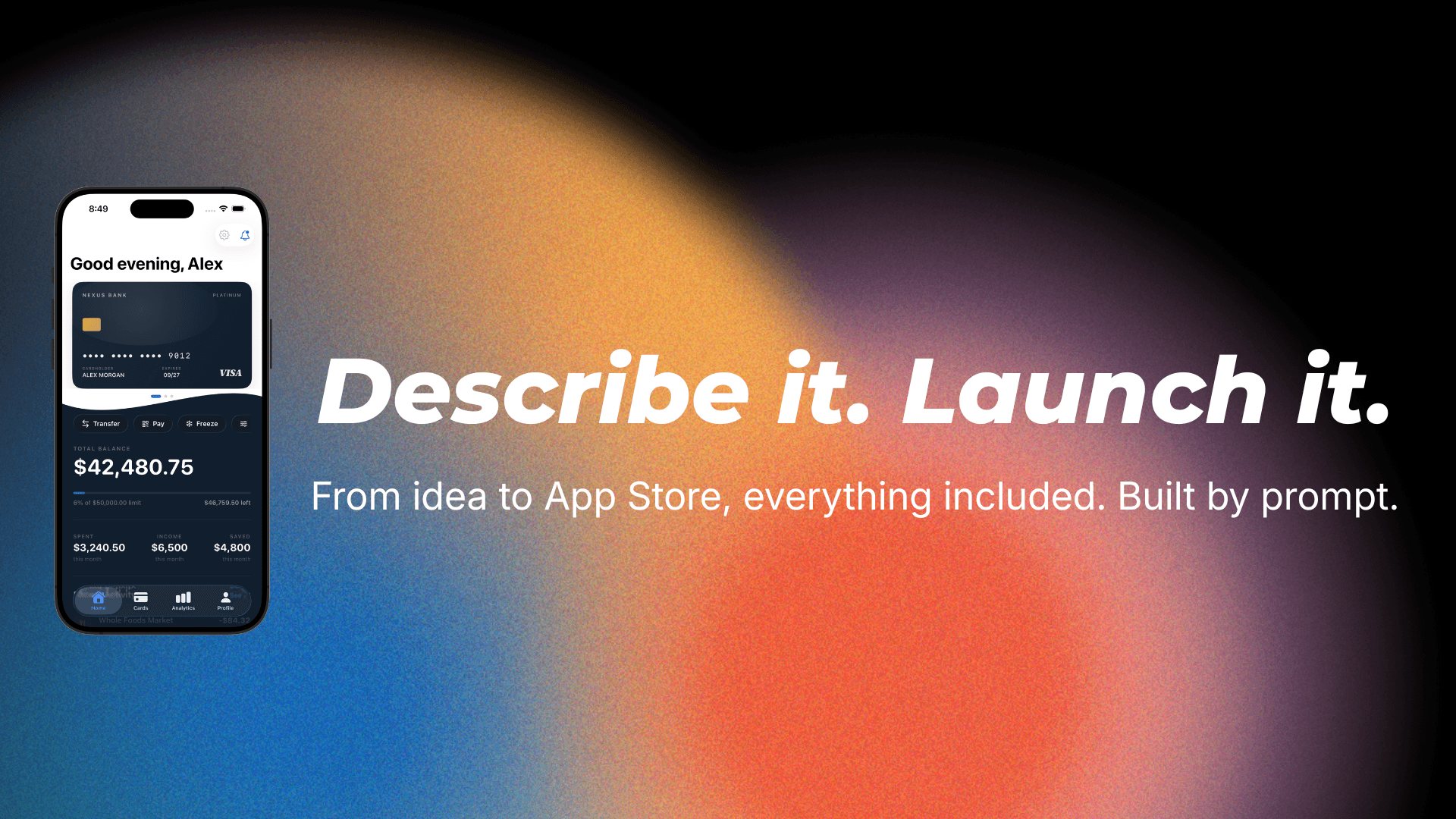
Most vibe coding content focuses on web apps. Build a React dashboard. Spin up a Next.js landing page. Deploy to Vercel in five minutes. That's great if you're building for the browser, but what if you want a real app — something that runs natively on an iPhone, sits in the App Store, and works like the apps you use every day?
That's where vibe coding Swift apps comes in. And it's a fundamentally different game than vibe coding for the web.
Swift and SwiftUI are Apple's native frameworks for building apps across iPhone, iPad, Mac, Apple Watch, and Apple TV. When you build with Swift, you get performance, native UI components, full access to every Apple framework, and an app that feels right on the platform. When you build with a web wrapper, you get something that technically runs but feels off — slower scrolling, non-native UI elements, missing platform features.
The challenge is that Swift has historically been harder to vibe code. There's less Swift training data compared to JavaScript or Python. Apple's frameworks evolve rapidly with annual updates. And the tooling has been less friendly to AI-assisted workflows than the web ecosystem. But in 2026, that gap has closed significantly. Here's how to do it well.
Why Swift Matters for Vibe Coding
If you're building an app you want people to download from the App Store, native Swift isn't just a nice-to-have — it's increasingly a requirement.
Apple has been cracking down on apps that are essentially web views wrapped in a native shell. They recently removed several vibe coding platforms from the App Store for generating apps that violate their self-containment rules. The message is clear: Apple wants real native apps, built with real native code.
Beyond Apple's preferences, native Swift apps are simply better for users. They launch faster, scroll smoother, integrate with system features like widgets and notifications seamlessly, and support accessibility features out of the box. When your non-technical friend downloads your app, they're not going to know or care that it was built with AI — but they will notice if it feels like a mobile website instead of a real app.
Native Swift also gives you access to Apple's entire SDK. MapKit for maps. CoreML for on-device machine learning. HealthKit for fitness data. ARKit for augmented reality. CloudKit for iCloud sync. StoreKit for in-app purchases. Dynamic Islands. Widgets for the Home and Lock Screen. Menu bar apps on Mac. None of these work properly in a web wrapper.
The Tools for Vibe Coding Swift
The tooling landscape for AI-assisted Swift development has improved dramatically in 2026.
NativeLine is purpose-built for this. You describe your app in plain English, and it generates a complete Xcode project with real Swift and SwiftUI code, plus a built-in database. No coding required, no terminal, no configuration. You get a native app ready for the App Store.
Xcode with AI agents is Apple's own answer. Xcode now supports agentic coding through integrations with Claude and OpenAI's Codex models. You can prompt inside Xcode and have AI generate SwiftUI views, data models, and logic. It works best if you have some technical comfort, but you don't need to be an experienced developer.
Claude Code and Cursor are powerful options for people who are comfortable working in a terminal or code editor. You can point them at a Swift project and prompt them to build features, fix bugs, and refactor code. Claude Code in particular has strong Swift support and can work with Xcode projects directly.
Bitrig takes a different approach — it lets you build SwiftUI apps directly on your iPhone or Mac through text and voice prompts. Built by a group of ex-Apple employees who co-created SwiftUI, it generates actual Swift code and can ship directly to TestFlight.
Each tool has its own strengths. NativeLine is the fastest path for non-technical people who want a complete app. Xcode with AI is best for people who want to learn as they build. Claude Code and Cursor give the most control for people who are comfortable with code.
The Unique Challenges of Vibe Coding Swift
Swift has some specific quirks that make vibe coding different from the web world.
Apple's frameworks evolve fast. Every year at WWDC, Apple introduces new APIs, deprecates old ones, and sometimes changes how existing frameworks work. AI models are trained on data that might be months or years old, which means they sometimes suggest approaches that are outdated or reference APIs that don't exist yet. When iOS 26 introduced Liquid Glass as a new design language, most AI models initially had no knowledge of it.
The fix is to provide context. When working with new APIs, include links to the relevant Apple documentation or WWDC session transcripts in your prompt. If the AI generates code using a deprecated API, tell it the API has been replaced and point it to the current alternative.
SwiftUI has less training data than React. JavaScript and React have been around much longer and have a vastly larger corpus of examples, tutorials, and Stack Overflow answers for AI models to learn from. SwiftUI is relatively newer, and the best practices are still evolving. This means AI models sometimes generate SwiftUI code that is technically functional but architecturally messy — mixing patterns, using workarounds that were necessary in earlier versions but aren't anymore.
The fix is to be specific about what you want. Instead of "build a settings screen," try "build a settings screen using SwiftUI NavigationStack with a Form containing Toggle, Picker, and Section elements, following the standard iOS Settings app pattern."
Xcode is required. There's no getting around this. To compile, test, and submit a Swift app, you need Xcode, which means you need a Mac. Some tools abstract this away (NativeLine handles the Xcode interaction for you), but ultimately your app has to pass through Xcode at some point on its way to the App Store.
The App Store review process adds a step. Unlike web apps where you can deploy instantly, iOS apps need to be reviewed by Apple. This usually takes a day or two. Your vibe-coded app needs to meet all of Apple's Human Interface Guidelines and App Store Review Guidelines. The good news is that apps built with genuine SwiftUI tend to automatically follow many of these guidelines because SwiftUI's built-in components are designed to be compliant.
A Practical Workflow for Vibe Coding a Swift App
Here's a step-by-step workflow that works in 2026.
Step 1: Define your app. Write a clear description of what your app does, who it's for, and what the core features are. Include details about the data model — what objects exist and how they relate. Mention which platforms you're targeting (iPhone, iPad, Mac, or all three).
Step 2: Generate the foundation. Use your tool of choice to create the initial project with navigation structure, data models, and the main screens. Don't worry about polish — just get the skeleton in place.
Step 3: Build features one at a time. Add each feature individually. After each one, build and run the app to make sure everything works together. SwiftUI's preview system makes this fast — you can see changes in real time without launching the full simulator.
Step 4: Add the data layer. Set up persistence using SwiftData (Apple's latest framework, replacing CoreData), CloudKit for sync, or a third-party database. Explicitly tell the AI to use persistent storage, not mock data.
Step 5: Handle the platform-specific stuff. If you're building for multiple Apple platforms, this is where you adapt the UI. SwiftUI makes multi-platform development easier than ever — the same code can run on iPhone, iPad, and Mac with minimal adjustments. But you'll want to tweak navigation patterns (tab bar on iPhone, sidebar on Mac/iPad), adjust layouts for different screen sizes, and add platform-specific features like menu bar items on Mac or widgets on iPhone.
Step 6: Polish and submit. Add an app icon, launch screen, and proper metadata. Test on real devices if possible. Build the archive in Xcode and submit to App Store Connect. Wait for review.
Tips That Save Hours
Use SwiftUI previews constantly. SwiftUI's live preview in Xcode lets you see your UI update as the code changes. This is invaluable when vibe coding because you can immediately see if the AI's output looks right.
Keep your prompts platform-aware. Always mention that you're building for iOS or Mac. AI models default to web patterns if you don't specify, and you'll get code that doesn't translate to Swift.
Reference Apple's design patterns. Mention NavigationStack, TabView, Form, List, Sheet — these are SwiftUI's core navigation and layout components. When the AI knows you want these specific patterns, it produces much more idiomatic SwiftUI code.
Test on real devices. The simulator is good but it doesn't catch everything. Performance issues, haptic feedback, camera integration, and push notifications all behave differently on a real device.
Version control early. Even if you're not a developer, learn the basics of Git or at minimum save copies of your project at key milestones. When vibe coding, it's easy to make a change that breaks something, and having a way to roll back to a working state is essential.
The Opportunity Right Now
Vibe coding native Swift apps is one of the biggest opportunities in the app development space in 2026. Here's why.
The web side is crowded. Thousands of people are vibe coding web apps, landing pages, and SaaS dashboards every day. The App Store is relatively less crowded with AI-built native apps because the tooling has been harder to access.
Apple's crackdown on web-wrapped vibe coding apps is actually creating a moat for people who build natively. As the low-quality web wrappers get filtered out, real native apps stand out more.
And the tools have finally caught up. A year ago, vibe coding a Swift app was painful — limited AI support for Apple's frameworks, constant errors, and lots of manual intervention. Today, tools like NativeLine, Xcode's AI integrations, and Claude Code's Swift support make it genuinely practical for non-technical people to build and ship native apps.
If you've been thinking about building an app, this is the window. The tools are ready. The demand is there. And the competition is still figuring it out.
NativeLine lets you build real native Swift & SwiftUI apps for iPhone, iPad, and Mac by describing what you want. AI builds the app, the database, and the Xcode project — ready for the App Store. Download for Mac — It's Free
More from the guide
General
Apr 7, 2026
Best AI iOS App Builders in 2026 (Honest Rankings)
You can now switch between Friendly, Formal, and Bold tones with a single click inside the prompt editor.
General
Apr 7, 2026
Nativeline vs Vibecode in 2026: Native Swift vs React Native
You can now switch between Friendly, Formal, and Bold tones with a single click inside the prompt editor.
General
Apr 7, 2026
Nativeline vs Superapp in 2026: Same Language, Different Philosophy
You can now switch between Friendly, Formal, and Bold tones with a single click inside the prompt editor.